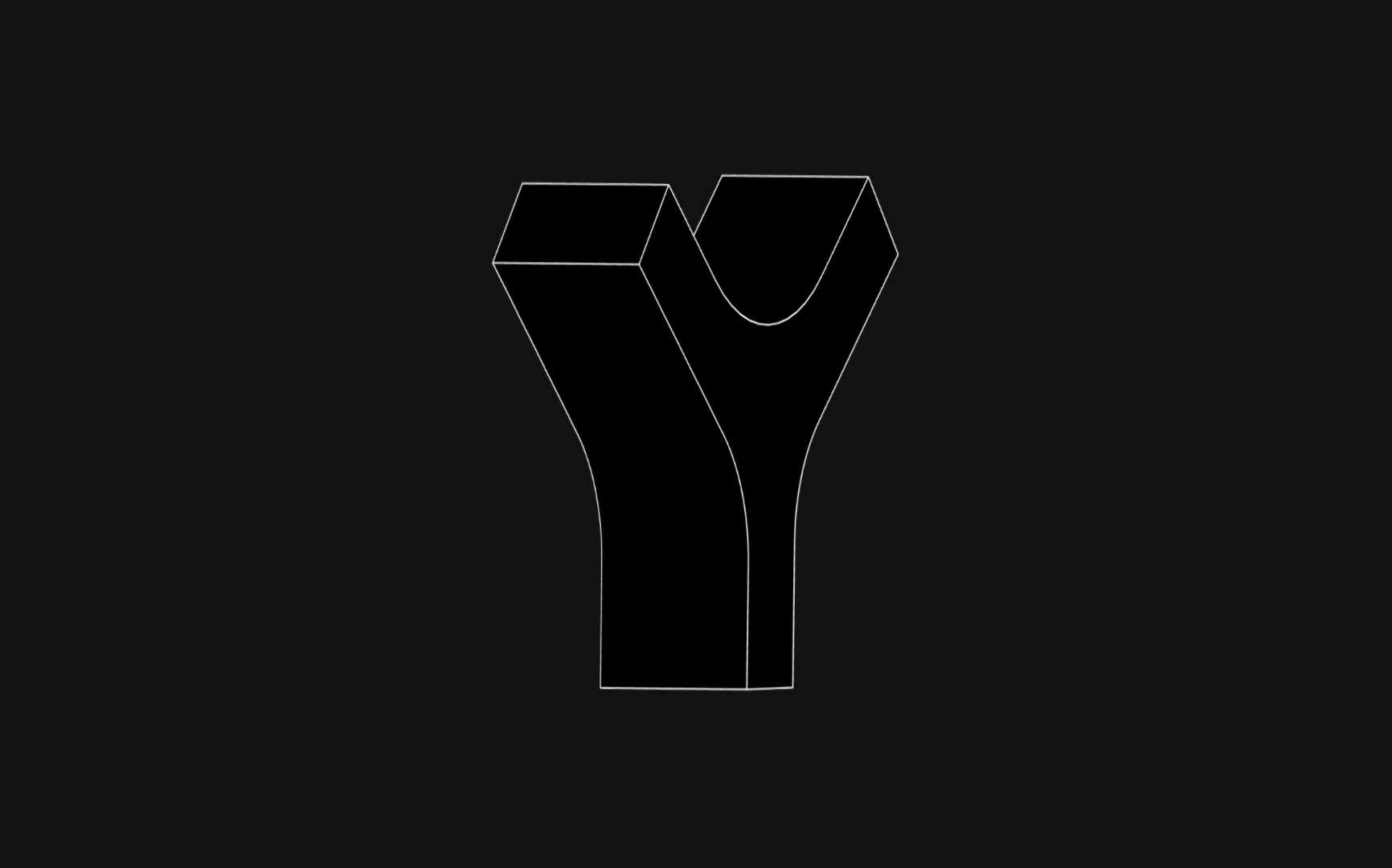
- SVG file
- The logo or shape to extrude, as an SVG data URL. The panel accepts a .svg file up to 60 KB with at least one filled path; scripts, styles, images, links, references and event handlers are rejected.
- Scale
- Multiplies the fitted size of the logo in the frame.
- Stroke width
- How many times the outline edges are drawn to thicken them; the renderer rounds it and keeps it between 1 and 10.
- Inside strokes
- Also draws the edges hidden behind faces.
- Depth
- How deep the shape is extruded.
- Bevel
- Adds a rounded bevel to the extruded edges.
- Bevel size
- How far the bevel reaches into the shape; used only when Bevel is on.
- Bevel thick.
- How deep the bevel is; used only when Bevel is on.
- Mouse follow
- Tilts the logo toward the pointer while it is over the canvas.
- Drag
- Lets visitors drag to spin the logo, with inertia on release. Also turns the arrow keys on or off.
- Auto rotate
- Spins the logo around its vertical axis on its own.
- Fill color
- Color of the faces (hex; an alpha pair makes them translucent).
- Stroke color
- Color of the outline edges (hex; an alpha pair makes them translucent).
- Edge angle
- Only edges sharper than this angle get an outline.
- Fit padding
- Margin around the logo when it is fitted to the frame; larger values leave more space.
- Anchor X
- Horizontal pivot point inside the logo's bounds (0 is the center).
- Anchor Y
- Vertical pivot point inside the logo's bounds (0 is the center).
- Anchor Z
- Depth pivot point inside the logo's bounds (0 is the center).
- Rot X
- Base rotation around the horizontal axis.
- Rot Y
- Base rotation around the vertical axis.
- Rot Z
- Base rotation around the depth axis.
- Drag sens.
- How far one pixel of drag turns the logo.
- Inertia damp
- How much spin is kept each frame after a drag is released; the renderer keeps it between 0.82 and 0.995.
- Auto speed
- Auto-rotation speed; 50 is about one turn every 24 seconds.
- Orthographic
- On: flat orthographic camera. Off: a 36° perspective camera with the same framing.
- Follow force
- Largest tilt toward the pointer; used only when Mouse follow is on.
- Smoothing
- How quickly the tilt catches up with the pointer each frame; the renderer keeps it between 0.02 and 0.35.